¶ Argon PWR UPS
¶ Parts and Features
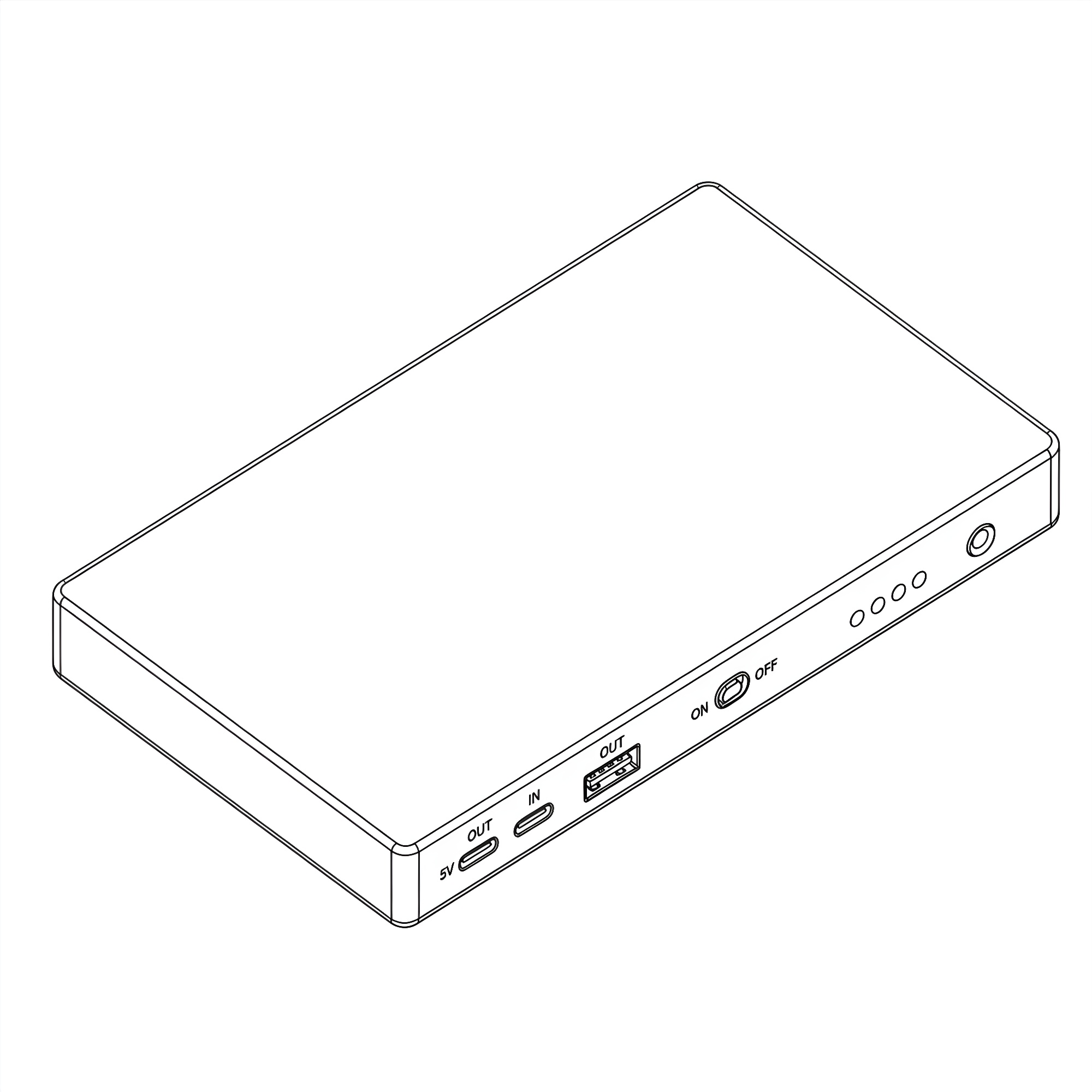
¶ Argon PWR UPS 27W PD for RPi 5 5000mAh
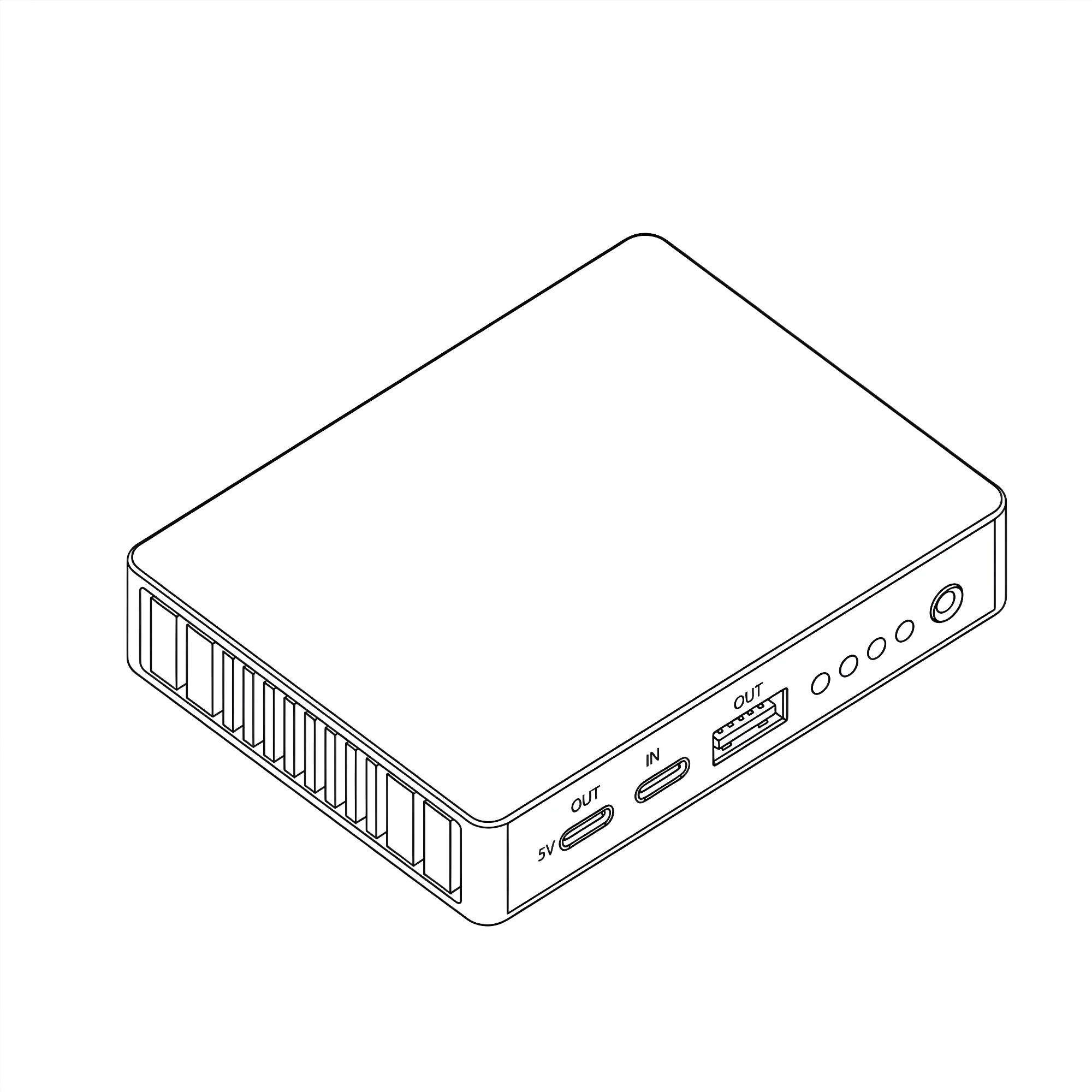
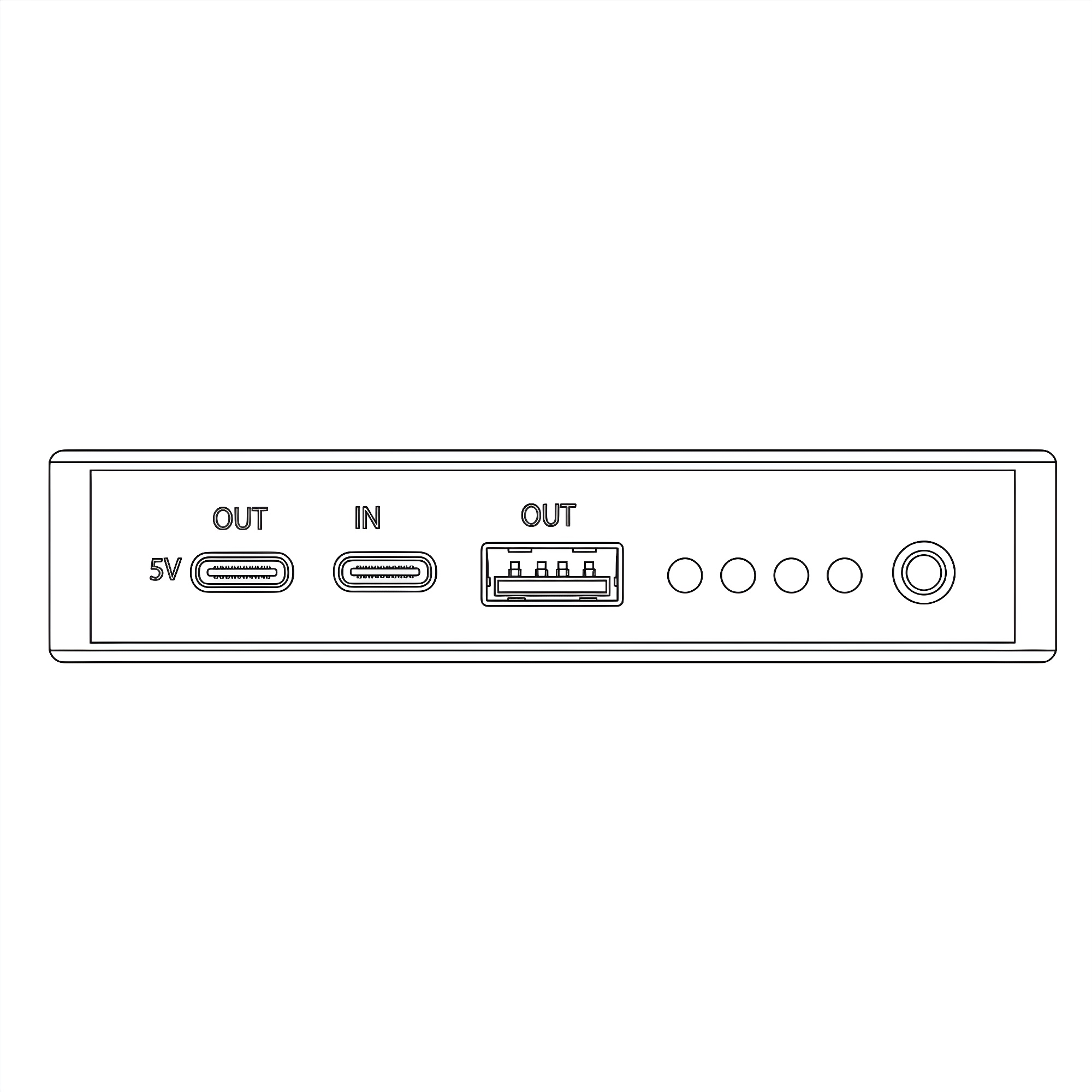
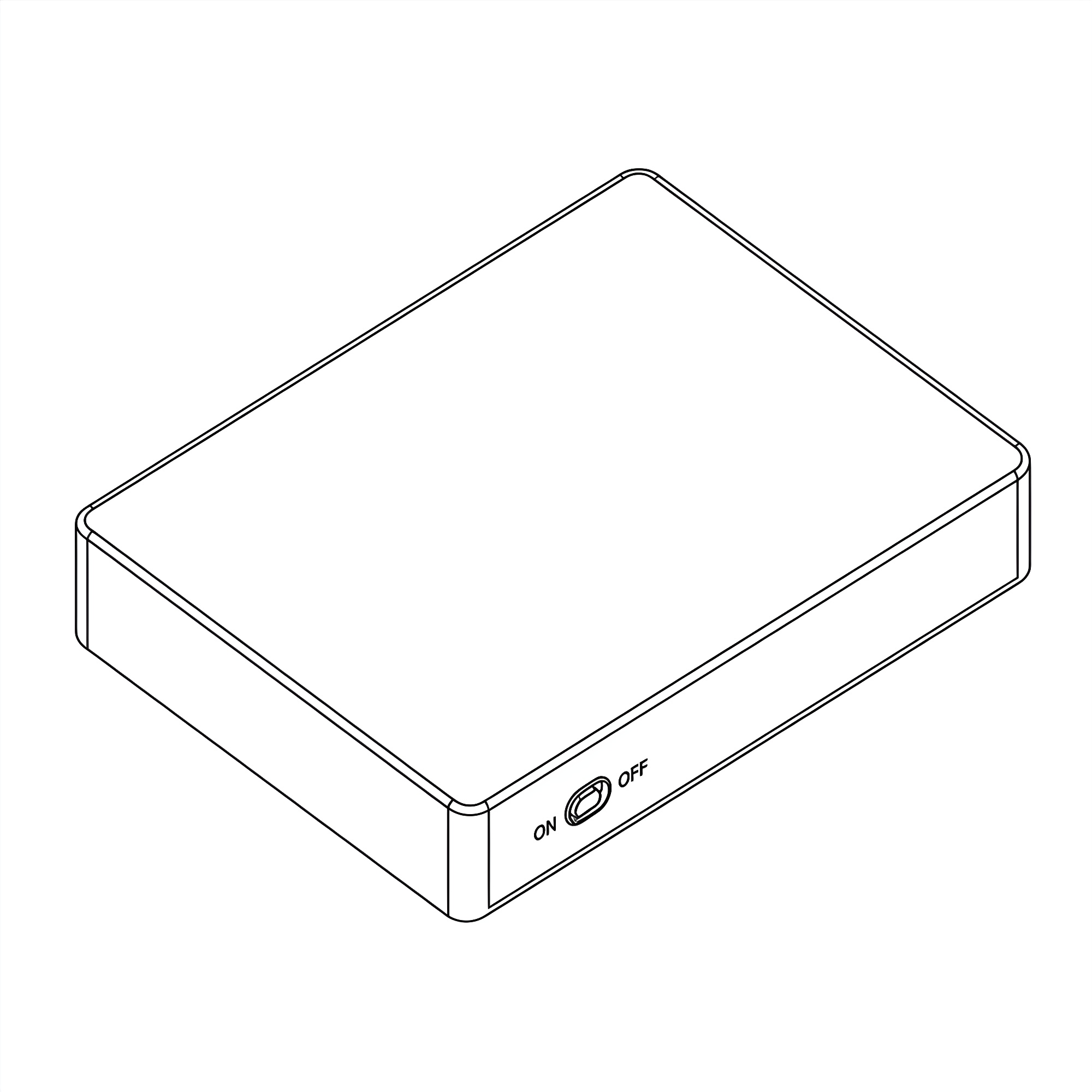
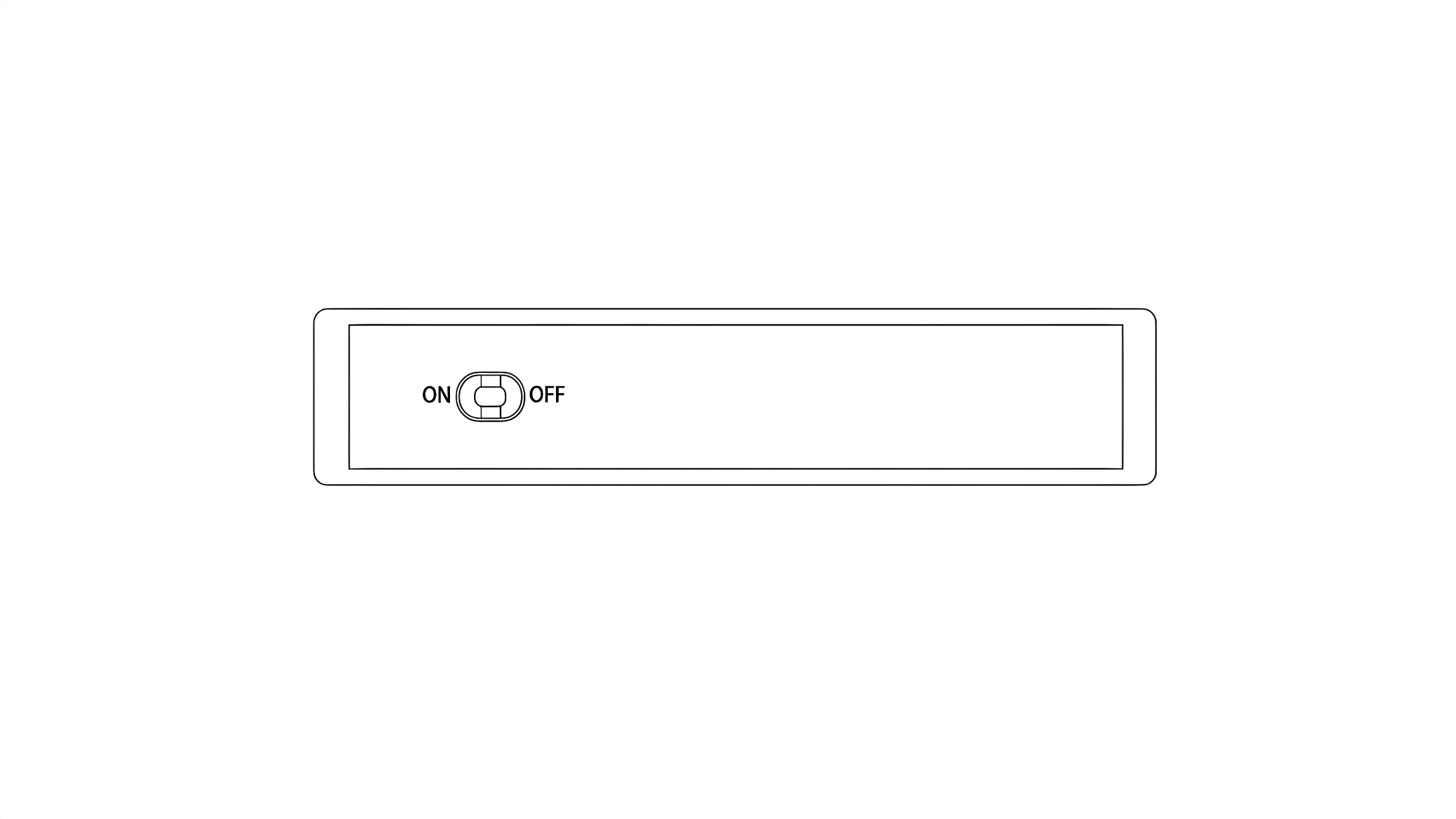
¶ Argon PWR UPS 27W PD for RPi 5 10000mAh
¶ Argon E-Marker Cable (picture)
¶ Compatibility Matrix
| Device |
Basic Power Delivery |
UPS Functionality |
Safe Shutdown |
USB-C PD Negotiation |
Recommended PSU (W) |
Status |
| Bare Raspberry Pi 4 |
✅ |
✅ |
✅ |
✅ |
27W |
Fully Supported |
| Bare Raspberry Pi 5 |
✅ |
✅ |
✅ |
✅ |
27W |
Fully Supported |
| Argon ONE V3 |
✅ |
✅ |
✅ |
✅ |
27W |
Fully Supported |
| Argon ONE V5 |
✅ |
✅ |
✅ |
✅ |
27W |
Fully Supported |
| Argon NEO |
✅ |
✅ |
✅ |
✅ |
27W |
Fully Supported |
| Argon NEO 5 |
✅ |
✅ |
✅ |
✅ |
27W |
Fully Supported |
| Argon POLY+ |
✅ |
✅ |
✅ |
✅ |
27W |
Fully Supported |
| Argon POLY+5 |
✅ |
✅ |
✅ |
✅ |
27W |
Fully Supported |
| Argon ONE V2 |
✅ |
❌ |
❌ |
❌ |
15W–18W |
Not Supported |
| Raspberry Pi Zero |
✅ micro-USB to USB-C cable |
❌ |
❌ |
❌ |
15W |
Not Supported |
| Raspberry Pi Zero W |
✅ micro-USB to USB-C cable |
❌ |
❌ |
❌ |
15W |
Not Supported |
¶ Legend
Basic Power Delivery: Device can receive standard power (fallback input)
Recommended PSU (W): Suggested minimum USB-C power adapter for stable operation
✅ Supported
❌ Not Supported
¶ Notes
A 27W USB-C PD power supply is recommended to ensure stable operation, especially for Raspberry Pi 5 under load.
Lower wattage adapters may result in undervoltage warnings or reduced performance.
Argon ONE V2 supports only basic power input and does not utilize UPS or PD negotiation features.
Unsupported devices (e.g., Raspberry Pi Zero series) should not be used with this UPS.
¶ Smart Cable Detection & Power Delivery
¶ 1. Overview of the E-Marker Requirement
The Argon PWR UPS 27W PD includes a specialized USB-C to USB-C E-Marker Cable. This cable must be used exclusively with the Argon UPS to ensure all hardware features—specifically high-current Power Delivery—are fully functional.
¶ What is an E-Marker Cable?
An E-Marker (Electronic Marker) cable contains an integrated circuit (IC) inside the connector housing. This chip acts as a "digital identity card" that communicates with both the Argon UPS and the Raspberry Pi 5.
Identity: It tells the devices the cable's maximum current and voltage rating.
Safety: It prevents the system from attempting to draw more power than the copper wire can safely handle.
¶ 2. Importance for Raspberry Pi 5
The Raspberry Pi 5 introduced a specific Power Delivery (PD) handshake requirement. To unlock its full potential, the Pi 5 looks for a 5V/5A (25W-27W) power profile.
The 5A Handshake: Without an E-Marker cable, most PD controllers (including the Pi 5) default to a "safe" limit of 3A.
USB Peripheral Throttling: If the Pi 5 detects a standard (non-E-Marked) cable, it will limit the current to the four USB ports to 600mA total.
Full Power Unlock: When the Argon E-Marker cable is used, the Pi 5 recognizes the 5A capability, unlocking the full 1.6A current for high-draw peripherals like NVMe SSDs or external hard drives.
¶ 3. Compatibility with Argon Cases
The Argon PWR UPS is designed to fit seamlessly with the Argon ONE V5, Argon NEO 5, Argon ONE V3 cases, and other enclosures without a daughter board. This is because the UPS to RPi 4 or RPi 5 communication is via the USB-C OTG protocol.
It is NOT compatible with Argon ONE V2 Cases and the POD Cases.
Using the E-Marker cable is essential for these setups because:
Passive Power Loss: The internal boards of the cases introduce a small amount of electrical resistance; the E-Marker cable ensures the UPS can compensate for this to maintain a steady 5.1V.
Cable Durability: The Argon cable is specifically rated for the high thermal loads generated during rapid UPS charging and simultaneous Pi 5 operation.
¶ Feature Matrix: E-Marker vs. Standard Cable
| Feature | Argon E-Marker Cable | Standard USB-C Cable |
|---|---|---|
| Max Current | 5A | 3A (usually) |
| Pi 5 USB Port Limit | 1.6A (Unlocked) | 600mA (Throttled) |
| UPS Charging Speed | Fast / Optimized | Slow / Restricted |
| System Stability | High (No undervoltage) | Potential "Low Voltage" warnings |
¶ 4. Summary Statement
Wiki Note: To maintain the integrity of the Uninterruptible Power Supply system, the E-Marker cable is essential. It serves as the communication bridge that allows the Raspberry Pi 5 to "trust" the power source, ensuring the OS does not throttle performance and that all connected USB devices receive adequate current during power-switching events.
¶ Assembly & Setup
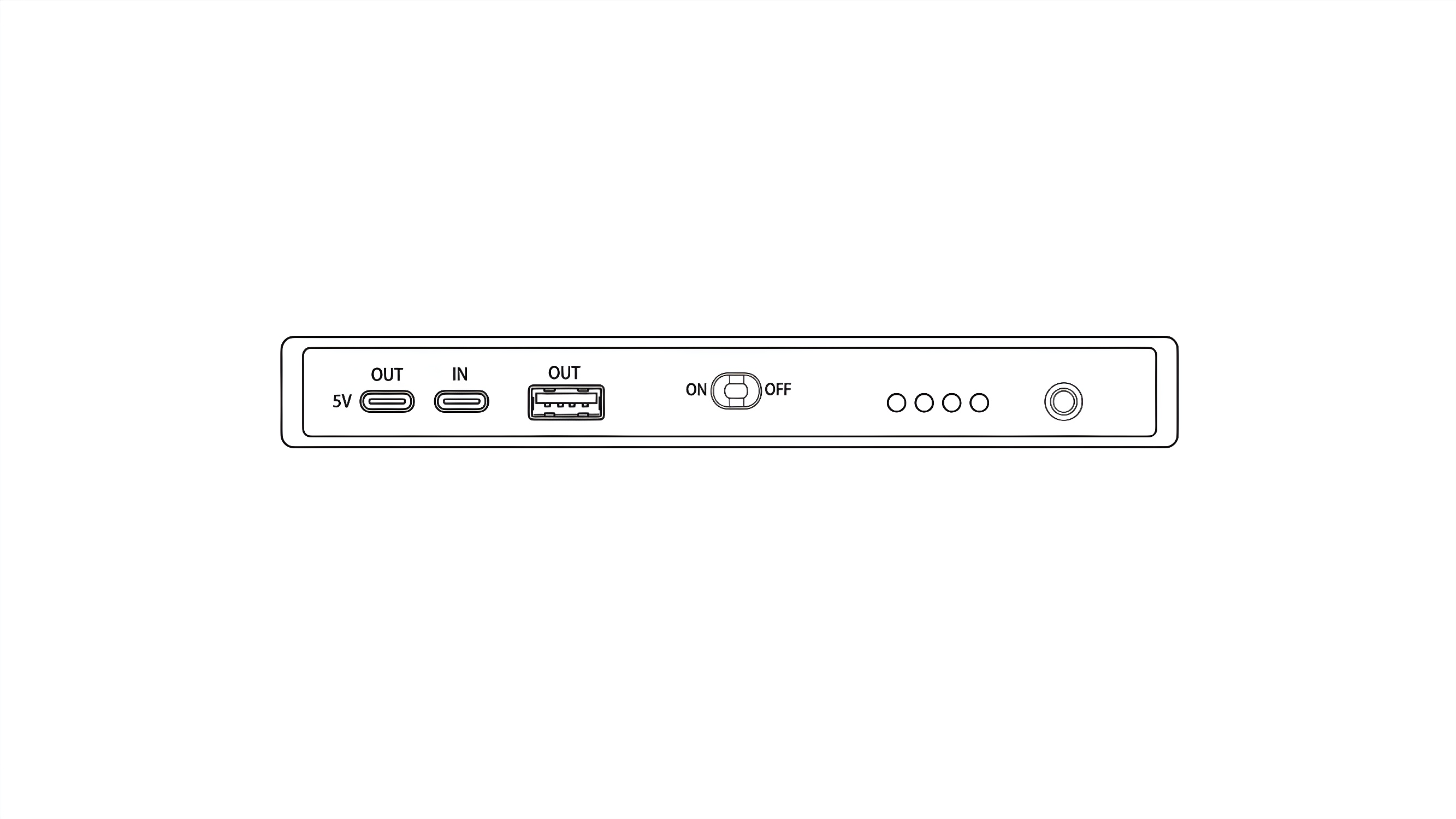
(1st picture show the UPS with ON OFF switch)
(2nd picture show the UPS with E-Marker cable at the OUT port and a USB-C PSU in the USB-C Power IN port of the UPS)
The Argon UPS is designed to provide uninterruptible power to your Argon cases. For stable operation, please follow the connection logic and power requirements outlined below.
¶ 1. Connection Logic
To ensure the UPS correctly manages power delivery and battery charging, connect the cables as follows:
Output (UPS to Argon V5): Use the provided E-marker USB-C cable. Connect one end to the OUT port on the Argon UPS and the other end to the USB-C Power In port on the Argon V5.
Input (Wall Power to UPS): Connect your compatible Power Supply Unit (PSU) to the IN port on the Argon UPS.
¶ 2. Compatible Power Supplies
The Argon UPS supports USB-C Power Delivery (PD). To ensure there is enough overhead to charge the batteries while powering your peripherals, we recommend the following:
| PSU Type | Compatibility | Recommended Use |
|---|---|---|
| 18W | Minimum | Basic setup |
| 27W PD | Recommended | Standard Raspberry Pi 5 / Argon V5 setup. |
| 45W+ PD | Optimal | High-performance setups with multiple NVMe drives or peripherals. |
¶ Argon Script and Configuration
Installation Procedure
¶ 1. Run the Installation Script
For Raspberry Pi OS and Ubuntu, open a Command Terminal and execute the following command:
curl https://download.argon40.com/argonpwrups.sh | bash
2. Reboot the System
After the installation completes, reboot the system for the changes to take effect.
¶ 3. Run the Argon ONE UP Configuration Tool
To run the Configuration Tool, open Command Terminal and execute:
argon-config
Follow the steps in the Menu indicated to configure.